
Introduction
Many parents wonder whether they really need a dedicated baby monitor, or if a regular home security camera can do the same job. After all, both devices offer video monitoring, mobile access, and motion detection.
While security cameras may seem like a convenient alternative, they are not always designed with babies in mind. Understanding the differences between these two devices can help parents choose the safest and most practical option for monitoring their child.
In this guide, we compare baby monitors vs security cameras, exploring their features, safety considerations, and which one is better for nursery monitoring.
What Is a Baby Monitor?
A baby monitor is a device specifically designed to help parents monitor infants and young children.
Most baby monitors include:
- A camera or audio transmitter placed in the nursery
- A dedicated parent unit or smartphone app
- Features designed specifically for infant care
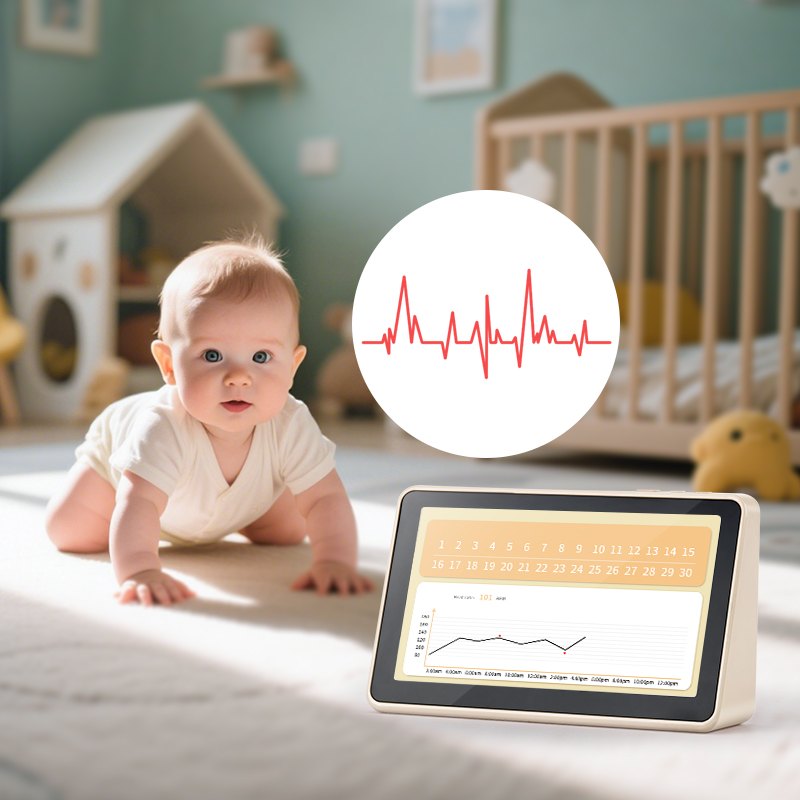
Modern baby monitors often include:
- Night vision
- Cry detection
- Two-way talk
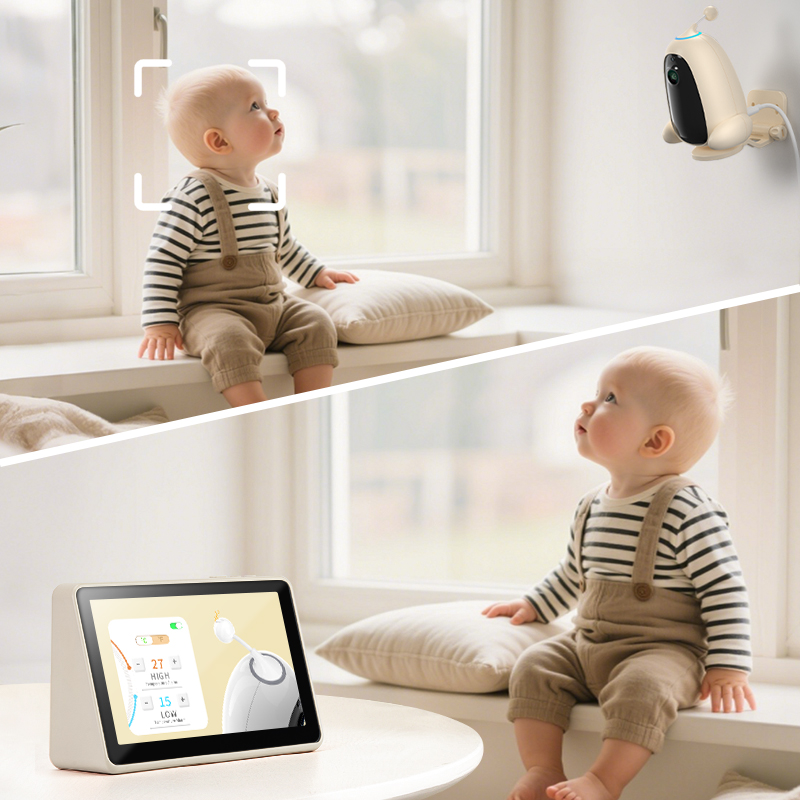
- Temperature monitoring
- lullabies or soothing sounds
Because they are designed for babies, these monitors focus on safety, reliability, and ease of use.
What Is a Security Camera?
A security camera is primarily designed for home surveillance and property protection.
Common features include:
- motion detection
- mobile app monitoring
- cloud recording
- wide-angle lenses
While security cameras can technically be used to monitor a baby, they are usually designed for general security purposes rather than infant care.
Key Differences Between Baby Monitors and Security Cameras
1. Safety and Privacy
Safety is the biggest difference between the two devices.
Many baby monitors use direct wireless connections (FHSS or DECT technology), meaning they do not rely on the internet.
Security cameras, on the other hand, typically connect to WiFi and store data in the cloud. This creates a potential risk of hacking or privacy breaches.
For parents who prioritize privacy, baby monitors often provide a safer option.
2. Real-Time Monitoring
Baby monitors are designed to deliver instant real-time video and audio with minimal delay.
Security cameras may introduce latency or buffering, especially when streaming through cloud servers.
When monitoring a baby, real-time responsiveness can be extremely important.
3. Baby-Specific Features
Baby monitors include several features designed specifically for childcare:
- cry detection alerts
- room temperature monitoring
- lullabies and white noise
- two-way communication
Security cameras usually lack these parenting-focused functions.
4. Ease of Use
Baby monitors are typically plug-and-play devices.
Parents can turn them on and start monitoring immediately.
Security cameras usually require:
- WiFi setup
- mobile apps
- account creation
- cloud subscription
This can make them less convenient for quick nursery setups.
When a Security Camera Might Work
In some situations, using a security camera as a baby monitor may still be acceptable.
For example:
- temporary monitoring solutions
- travel situations
- monitoring older children
However, parents should ensure the camera has secure encryption and strong privacy settings.
Why Many Parents Still Choose Baby Monitors
Despite the similarities, most parents prefer dedicated baby monitors because they offer:
- stronger privacy protection
- reliable real-time monitoring
- baby-focused safety features
- simple setup without complex apps
For nursery monitoring, a device specifically designed for babies usually provides the best overall experience.
Final Thoughts
Both baby monitors and security cameras allow parents to watch their children remotely, but they are built for very different purposes.
A security camera focuses on home surveillance, while a baby monitor focuses on infant safety and comfort.
For parents who want reliable, safe, and easy monitoring, a dedicated baby monitor remains the most suitable choice.
Choosing the right device ultimately depends on your home environment, privacy preferences, and monitoring needs.